Make a leaderboard
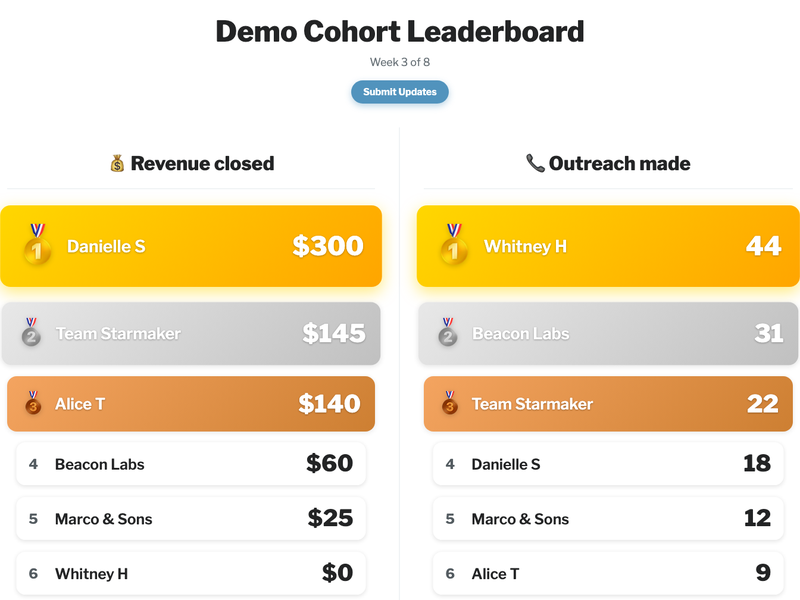
Your participants enter their revenue numbers (or whatever it is you're tracking) into a Google Form. This page compiles what they submit into a live scoreboard. Free, nothing to install.
First, three steps in Google (about 10 minutes):
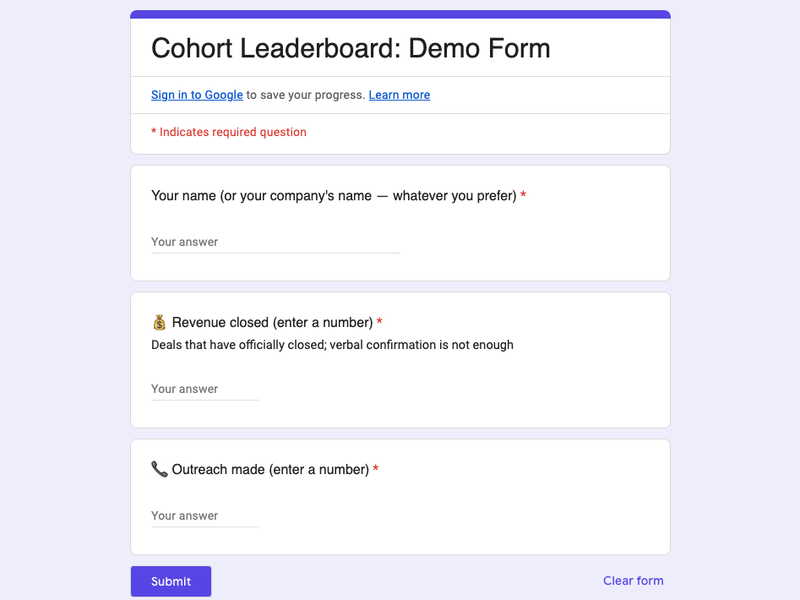
Copy the template form. In your copy, click Publish in the top right corner. Clicking Publish is what lets your participants submit their numbers.

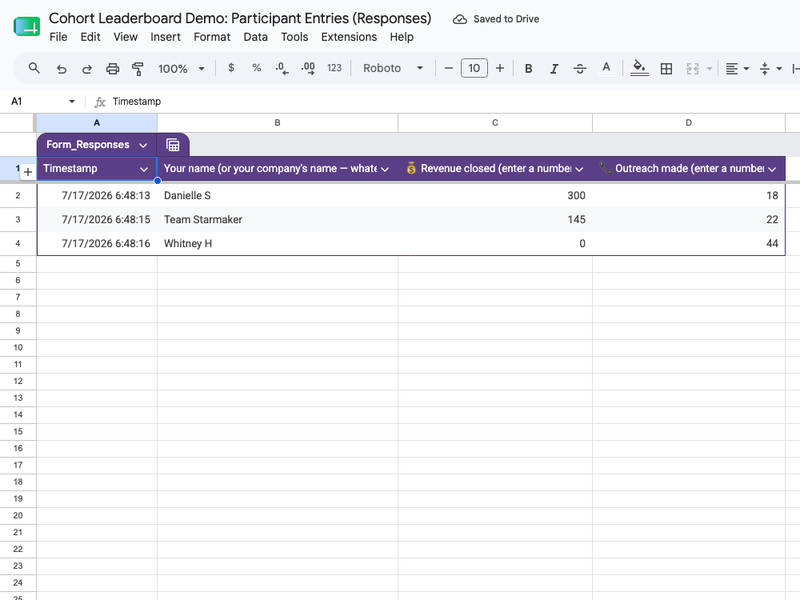
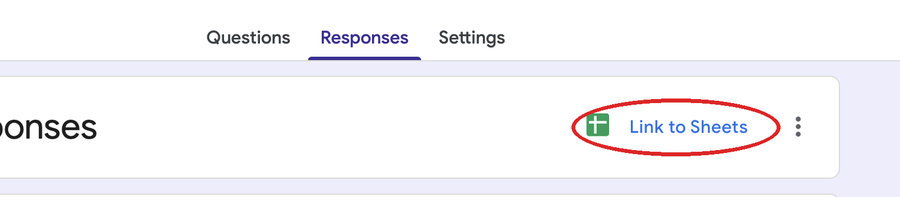
In your form, click the Responses tab, then Link to Sheets, then Create. Google opens a new spreadsheet. From now on, every form submission automatically appears as a row there. It fills itself.
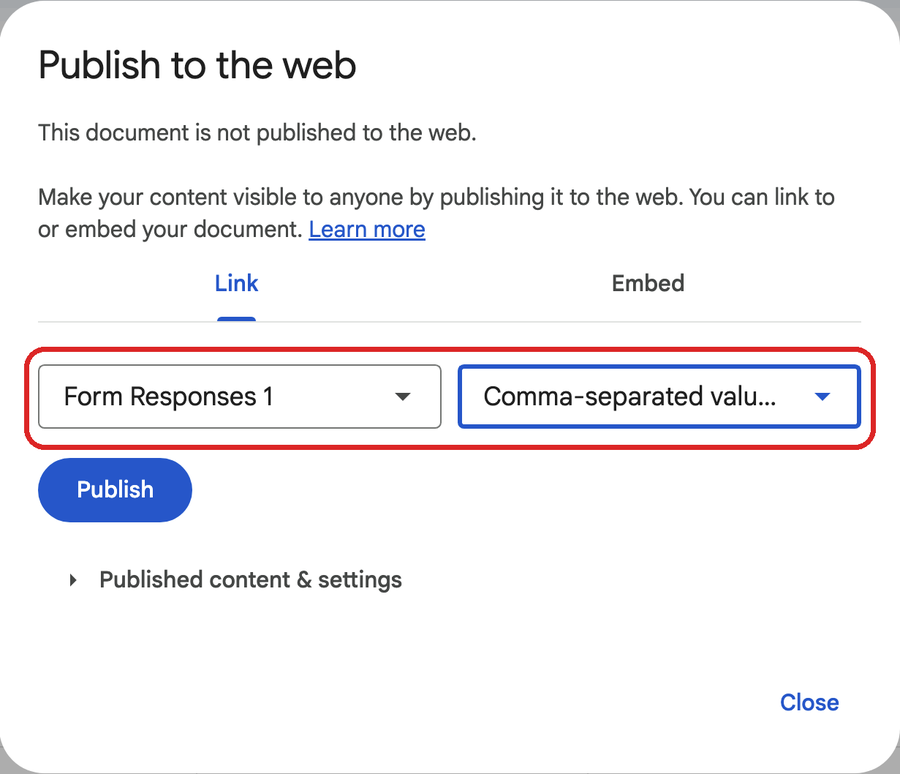
In that spreadsheet: File > Share > Publish to web. In the dialog, change the first dropdown to Form Responses 1 and the second dropdown to Comma-separated values (.csv). Click Publish and copy the long link it gives you. That link goes in the first box below. (A link like that is exactly what feeds the demo board.)